
Intel Celeron G5900
4.5Editor score
2 Cores and 2 Threads
LGA 1200 Socket Type
Intel Optane Memory Support
This guide compares the top ten affordable processors for desktop builds, evaluating performance, cores, and compatibility to help you find the best cheap CPU.
Finding a reliable processor does not have to break the bank. Whether you are building a budget gaming rig or a basic office workstation, there are several excellent options available that deliver solid performance without demanding a premium price tag.
We have analyzed ten distinct processors ranging from entry-level Celerons to mid-range Ryzen and Core models. Our comparison focuses on core counts, thread counts, clock speeds, and platform compatibility to ensure you get the most value for your money.
Each pick in this list highlights specific strengths and ideal use cases. While prices fluctuate frequently based on market demand and availability, these models consistently offer strong value propositions for builders working with limited resources.
4.5Editor score
4.7Editor score

4.8Editor score
This side-by-side comparison outlines the key specifications and capabilities of each processor to help you make an informed decision based on your specific computing needs and budget constraints.




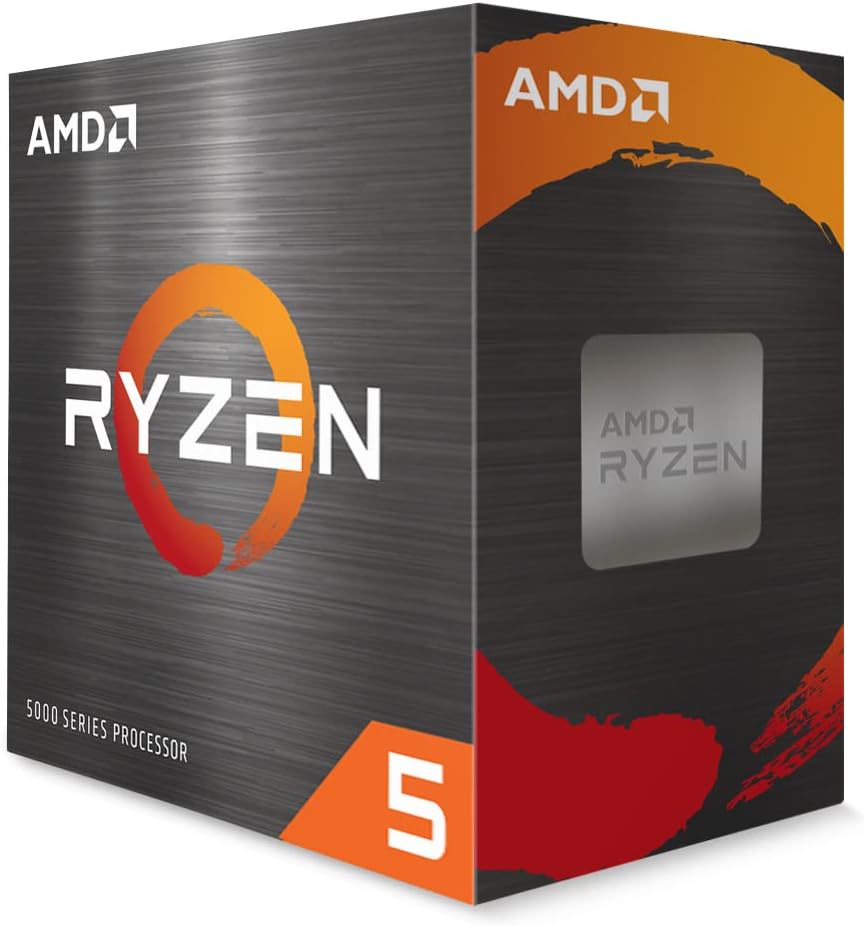
The AMD Ryzen 5 5500 stands out as a top contender for budget-conscious builders seeking solid gaming performance. With a strong user rating and robust feature set, it delivers over one hundred frames per second in popular titles when paired with a discrete GPU.
We may earn a commission when you buy through this link, at no additional cost to you.
This processor offers six cores and twelve threads, allowing for smooth multitasking and efficient handling of modern applications. The unlocked multiplier enables enthusiasts to push performance further through overclocking, while the included Wraith Stealth cooler simplifies the build process.
While it lacks integrated graphics requiring a separate card for display output, this trade-off is acceptable given the price point and performance gains. The support for DDR4-3200 memory ensures compatibility with affordable RAM kits.
For those building a budget gaming PC or workstation, the Ryzen 5 5500 provides a balanced mix of speed and value. It is an excellent choice for anyone needing reliable performance without breaking the bank.
This CPU is optimized to deliver fast performance in the world's most popular games ensuring smooth gameplay experiences.
Designed for the advanced Socket AM4 platform it offers upgrade paths and broad motherboard compatibility for future needs.
We may earn a commission when you buy through this link, at no additional cost to you.
The Intel Celeron G5900 is an entry-level processor ideal for basic office tasks and light web browsing. It provides a stable foundation for users who need reliable computing without advanced performance demands.
We may earn a commission when you buy through this link, at no additional cost to you.
This chip features two cores and two threads operating at 3.4 GHz. It supports the LGA 1200 socket and is compatible with Intel 400 series chipsets offering flexibility for budget motherboards.
While it lacks the power for heavy gaming or video editing its low wattage and efficient design make it suitable for small form factor builds. Optane memory support helps improve storage speed significantly.
If you need a simple reliable processor for everyday tasks the Celeron G5900 is a sensible choice. It keeps costs down while delivering essential functionality for standard computing workloads.
With a power draw of only 58 watts this processor helps keep energy costs low during extended usage periods.
Support for Intel Optane Memory allows for faster system responsiveness when paired with compatible storage configurations.
We may earn a commission when you buy through this link, at no additional cost to you.
The Intel Pentium Gold G5600F offers a high clock speed and solid cache for budget builds. It has received perfect user ratings indicating strong satisfaction with its performance in standard tasks.
We may earn a commission when you buy through this link, at no additional cost to you.
This processor includes two cores and four threads providing a balance between cost and efficiency. The 3.90 GHz clock speed ensures responsive performance for daily applications and light multitasking.
It lacks integrated graphics requiring a dedicated GPU for display output. This makes it ideal for builders who already have a graphics card or plan to add one to the system.
For users prioritizing speed over core count this CPU delivers a snappy experience. It is a great fit for budget gaming builds where the graphics card handles the visual load.
Running at 3.90 GHz this processor ensures quick response times for single-threaded applications and general computing.
The lack of integrated graphics encourages the use of a dedicated card which can lead to better overall gaming performance.
We may earn a commission when you buy through this link, at no additional cost to you.
The AMD Athlon 200GE is a compact processor delivering responsive computing for everyday users. It stands out by including Radeon Vega 3 graphics allowing for smooth videos and light gaming without a discrete card.
We may earn a commission when you buy through this link, at no additional cost to you.
This CPU features two cores and four threads with a 3.2 GHz clock frequency. It is supported by a near-silent cooler making it ideal for quiet workspaces or living room setups.
While it is not a powerhouse for demanding games it handles standard office tasks and multimedia with ease. The AM4 socket allows for future upgrades to Ryzen processors if needed.
For those needing a complete basic system without extra parts the Athlon 200GE is a solid choice. It combines performance with affordability in a single package.
Radeon Vega 3 graphics provide basic visual acceleration enabling video playback and casual gaming without a separate GPU.
The included cooler is designed for near-silent operation ensuring the system remains quiet during regular use.
We may earn a commission when you buy through this link, at no additional cost to you.
The Intel Celeron G3930 is a seventh-generation processor designed for cost-effective computing solutions. It provides essential performance for web browsing and document editing with ease.
We may earn a commission when you buy through this link, at no additional cost to you.
Featuring two cores and two threads it utilizes the LGA 1151 socket. Integrated HD Graphics 610 supports display outputs without requiring a separate graphics card.
This model is compatible with Intel 200 and 100 series chipsets. While it does not support Octane Technology it remains a solid option for basic systems.
For users looking to build a low-cost office PC this CPU delivers adequate power. It keeps system costs low while maintaining reliable functionality for daily tasks.
Intel HD Graphics 610 offers basic visual support enabling standard display outputs for monitors and projectors.
This processor works with 200 and 100 series chipsets ensuring broad motherboard options for budget builds.
We may earn a commission when you buy through this link, at no additional cost to you.
The Intel Core i5-6500 offers four physical cores making it a capable choice for moderate gaming and productivity. This renewed model provides a cost-effective way to access proven performance.
We may earn a commission when you buy through this link, at no additional cost to you.
Compatible with Intel 100 series motherboards it supports both DDR4 and DDR3L memory. This flexibility allows builders to use existing RAM kits effectively.
Turbo Boost technology helps increase clock speeds when needed for demanding tasks. The display resolution support up to 4096×2304 ensures compatibility with high-resolution monitors.
For budget gamers needing a reliable upgrade path this CPU remains relevant. It balances older architecture with solid core count for reasonable multitasking.
Support for both DDR4 and DDR3L memory gives builders flexibility to use existing kits or choose budget RAM.
This processor supports display resolutions up to 4096×2304 ensuring compatibility with high definition and 4K screens.
We may earn a commission when you buy through this link, at no additional cost to you.
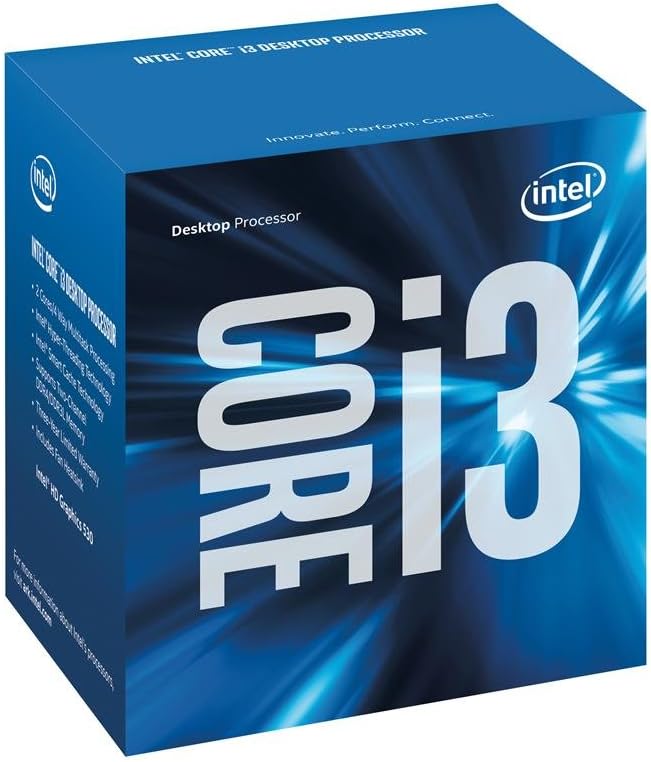
The Intel Core i3-6100 delivers a balance of speed and efficiency for daily computing. It features Hyper-Threading technology which allows two threads per core improving multitasking capabilities.
We may earn a commission when you buy through this link, at no additional cost to you.
Running at 3.7 GHz it offers responsive performance for web browsing and application launching. Intel Turbo Boost Technology 2.0 ensures extra speed when needed without manual configuration.
Built on the FC-LGA14C socket it fits standard LGA 1151 motherboards. Security features like Intel Secure Key provide added protection for sensitive data on the system.
This CPU is suitable for users needing reliable performance without excessive power. It is a good fit for office workstations and entry-level gaming rigs.
Hyper-Threading Technology allows each core to handle two threads improving efficiency during multitasking workloads.
Turbo Boost Technology 2.0 automatically increases clock speeds to deliver extra performance when required.
We may earn a commission when you buy through this link, at no additional cost to you.
The AMD Ryzen 5 9600X brings next-generation Zen 5 architecture to the budget segment. It offers pure gaming performance with smooth frame rates in popular titles.
We may earn a commission when you buy through this link, at no additional cost to you.
With six cores and twelve threads it handles demanding applications with ease. The 5.4 GHz Max Boost clock ensures rapid processing for single-threaded tasks.
Support for DDR5-5600 memory provides a future-proof platform. The unlocked multiplier allows for performance tuning by enthusiasts seeking maximum speed.
While it requires a separate cooler and uses AM5 platforms this CPU is a strong contender. It delivers high-end performance at a relatively competitive price point.
Based on the Zen 5 architecture this processor delivers improved efficiency and speed over previous generations.
The Socket AM5 platform ensures support for modern standards including PCIe 5.0 and DDR5 memory.
We may earn a commission when you buy through this link, at no additional cost to you.
The Intel Core i7-7700 remains a strong choice for users seeking high thread counts on a budget. Its four cores and eight threads allow for effective multitasking in modern environments.
We may earn a commission when you buy through this link, at no additional cost to you.
With a maximum turbo frequency of 4.2 GHz it handles intensive workloads smoothly. The eight megabyte cache ensures quick data access for common tasks.
Compatible with 100 or 200 series chipsets it supports both DDR4 and DDR3L memory. This flexibility makes it a versatile option for various motherboard configurations.
Ideal for users needing a reliable quad-core processor this CPU offers longevity. It balances legacy support with sufficient power for everyday demands.
With 8 threads available this processor manages multiple applications simultaneously without significant slowdowns.
Support for DDR4 and DDR3L memory allows users to utilize existing RAM kits effectively.
We may earn a commission when you buy through this link, at no additional cost to you.
The Intel Core i7-8700 offers six cores and twelve threads making it capable of handling demanding workflows. It is an excellent choice for budget-conscious users needing more than basic performance.
We may earn a commission when you buy through this link, at no additional cost to you.
Turbo speeds reaching 4.6 GHz provide fast response times for single-threaded tasks. The 12 MB cache further enhances data processing speed and efficiency.
Compatible with Intel 300 series chipsets it requires specific motherboards. This CPU also supports Intel Optane Memory for improved storage performance and responsiveness.
For users seeking a robust six-core processor at a reasonable price this model fits well. It delivers balanced performance for gaming and productivity tasks.
With 6 cores and 12 threads this processor handles modern applications and multitasking with impressive efficiency.
Max Turbo Frequency up to 4.60 GHz ensures quick processing for demanding tasks and applications.
We may earn a commission when you buy through this link, at no additional cost to you.
Selecting the right processor involves understanding your specific needs and how different features impact overall system performance.
Core and thread counts determine how many tasks a processor can handle simultaneously. Higher counts are better for gaming and rendering while lower counts may suffice for basic office use.
Look for at least six cores for modern gaming and eight threads for smoother multitasking experiences.
Clock speed measures how fast the processor executes instructions. Higher speeds mean faster response for single applications.
Choose a model with a base or boost speed that matches your primary use case.
Integrated graphics allow you to display output without a separate video card. This is vital for budget builds where every dollar counts.
Opt for CPUs with Vega or UHD graphics if you do not plan to buy a dedicated GPU.
The socket type determines which motherboards the processor fits. It also affects future upgrade paths and available features.
Verify that your motherboard supports the socket type and chipset required by your chosen CPU.
Different processors support specific memory types such as DDR4 or DDR5. Choosing the right RAM is essential for performance.
Ensure the memory type matches the processor requirements to avoid compatibility issues.
TDP indicates how much power the processor consumes and dissipates as heat. Lower TDP values mean less power and heat.
Consider a model with a lower TDP if you want a cooler system or quieter operation.
Overclocking allows users to push a processor beyond its rated speed for extra performance. Not all CPUs support this feature.
Check if the processor is unlocked or includes overclocking features if performance tuning is a priority.
Balancing performance with price is key to finding a good deal. A more expensive CPU may offer better longevity and upgrades.
Compare features across models to find the best balance of cost and capability.
Install the processor carefully according to your motherboard manual ensuring the pins align correctly. Use proper thermal paste and secure the cooler firmly to prevent overheating.
Keep your system dust-free by regularly cleaning vents and fans. Use compressed air to clear debris from heatsinks to maintain optimal airflow and cooling.
Monitor system temperatures using software tools and adjust fan settings if needed. Regular updates to BIOS and drivers can also ensure stable operation.
No not all CPUs come with a cooler. Models like the AMD Ryzen 5 5500 include a stock cooler but premium options like the Ryzen 5 9600X do not. Always check product details before buying.
Older processors generally support DDR4 memory. DDR5 is typically reserved for newer platforms like Socket AM5. Ensure your motherboard supports the memory type your CPU requires.
No models with integrated graphics do not require a separate GPU for basic display output. However models like the Ryzen 5 5500 and Pentium G5600F need one to function.
TDP stands for Thermal Design Power and indicates heat output and power consumption. A lower TDP means the processor uses less power and generates less heat during normal use.
No only unlocked CPUs or those with specific overclocking support allow this. Check the product description for unlocked features before attempting to overclock.
The socket type depends on your motherboard. AM4 is common for AMD while LGA 1200 and 1151 are common for Intel. Match the socket to your existing or planned motherboard.
Choosing the right processor depends on your specific needs and budget. Whether you select the Ryzen 5 5500 for gaming or the Celeron G5900 for office use these models provide solid value.
Prioritize core counts and platform compatibility when making your decision. Ensure your motherboard supports the CPU type to avoid any issues during installation.
Prices for these components fluctuate based on supply and demand. Always check current availability and pricing before finalizing your purchase.