
9.5mm SATA Internal DVD RW Drive, GUD1N Optical Drive
4.2Editor score
Includes data cable
Super Multi DVD and CD
M-DISC support included
Compare the top 10 internal DVD drives for laptops. Our guide reviews speed, compatibility, and features to help you find the perfect optical drive solution
Finding a reliable internal DVD drive for laptop upgrades is essential for users who still rely on physical media. Modern thin laptops often omit these bays, so selecting the right replacement ensures seamless compatibility and performance without extra clutter.
We evaluated ten top-rated models based on build quality, read-write speeds, and interface standards. Our comparison focuses on SATA compatibility, thickness requirements, and support for archival formats like M-DISC to help you make an informed decision quickly.
Each pick below highlights key strengths and limitations to match your specific needs. While specifications remain consistent, availability and pricing may fluctuate over time. Always verify your laptop’s bay dimensions before purchasing to ensure a perfect physical fit.
4.2Editor score

4.4Editor score

5.0Editor score
This side-by-side comparison highlights key technical differences across all ten models to help you choose the right fit for your system and usage needs.

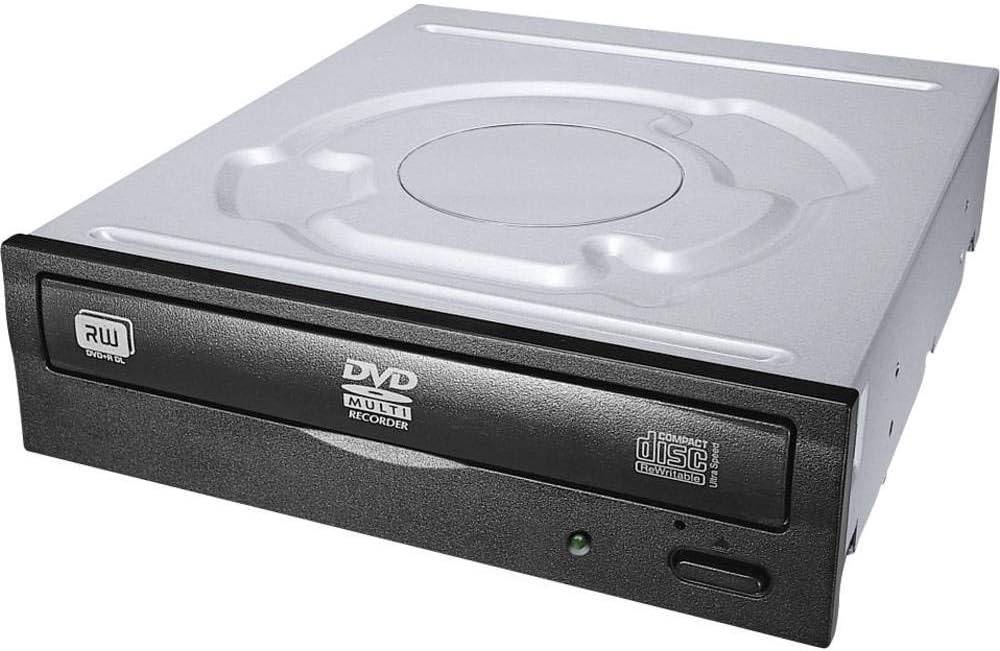


This Hitachi-LG GTC2N internal drive is a solid choice for users needing dependable optical media support. With a 4.4 rating and proven M-DISC technology, it offers reliable data storage that outlasts standard discs significantly.
We may earn a commission when you buy through this link, at no additional cost to you.
Its Silent Play technology adjusts playback speed to reduce noise, making it ideal for quiet environments. The drive supports a wide range of disc formats, including DVD-RAM, ensuring flexibility for various tasks and file types.
While it lacks ultra-slim profiles, the 12.7mm thickness fits many standard laptop and desktop bays perfectly. Some users may find the speed slightly slower than modern SSDs, but optical media remains unmatched for archival stability.
Anyone needing to access old software discs or preserve important files should consider this model. Its compatibility with Windows 10 ensures it works seamlessly with current systems without driver headaches.
M-DISC uses a rock-like recording surface that resists degradation over centuries, unlike organic dye discs.
Silent Play recognizes media and adjusts spin speed to minimize noise during movie playback.
We may earn a commission when you buy through this link, at no additional cost to you.
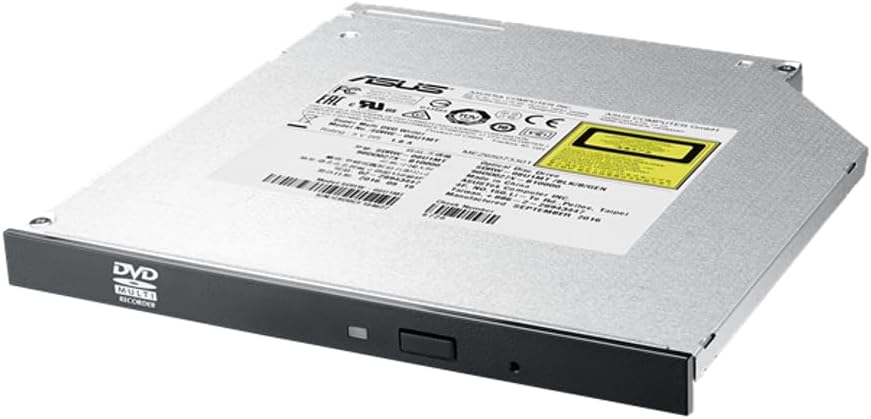
The ASUS SDRW-08U1MT is a top pick for modern laptops requiring a 9.5mm internal optical drive. Its ultra-slim form factor makes it ideal for slim chassis models without sacrificing performance or features significantly.
We may earn a commission when you buy through this link, at no additional cost to you.
M-DISC support ensures your photos and videos last over 1,000 years, while E-Green technology saves power by auto-closing the drive application when not in use. This balance of efficiency and durability sets it apart in its class.
While the 8x DVD speed isn't the fastest available, it is sufficient for most installation and backup tasks. Some users note a higher price, but the build quality justifies the investment for critical data protection.
Choose this drive if you prioritize a compact fit and long-term archival capabilities. It fits perfectly into systems demanding thin profiles while maintaining full optical media functionality.
M-DISC technology provides lifetime data backup with superior resistance to environmental damage.
E-Green saves power by auto-closing the drive app when idle, reducing energy consumption.
We may earn a commission when you buy through this link, at no additional cost to you.
This HP 16X DVD-ROM drive delivers the fastest read speeds in our roundup, making it ideal for installing software quickly. Its perfect 5.0 rating reflects exceptional reliability and performance consistency across various media types.
We may earn a commission when you buy through this link, at no additional cost to you.
With Serial ATA connectivity and internal mounting, it integrates smoothly into compatible systems. The fast 16X speed reduces wait times when loading large disc-based applications or games significantly.
Note that this is a read-only model, so it cannot burn discs. If you need to write data, consider other options, but for playback and installation, this unit excels without issue.
Buy this if your primary goal is rapid software installation or media playback. It offers unmatched speed for reading discs, which is valuable for users still relying on physical media for programs.
The 16X read speed cuts installation times significantly compared to standard 8X drives.
HP engineering ensures consistent performance with minimal errors during operation.
We may earn a commission when you buy through this link, at no additional cost to you.
The HP DVD±RW Dual Layer drive stands out for its ability to burn large capacity discs. With a strong 4.7 rating and proven performance, it is a reliable choice for archiving significant data volumes.
We may earn a commission when you buy through this link, at no additional cost to you.
Built on Samsung's SH-216 platform, it handles dual-layer formats seamlessly. This feature is essential for users who need to store more than 4.7GB on a single disc without splitting files.
It is specifically compatible with certain HP laptop models requiring 9.5mm SATA drives. Check your system specs carefully before purchase, as this unit targets OEM replacements for older HP chassis.
Choose this drive if you need high-capacity burning and own a compatible HP system. It offers robust reliability and speed for those needing to back up larger datasets regularly.
Dual-layer support allows storing over 8GB of data on a single DVD disc.
This drive is designed to replace internal optical drives in specific HP laptop models.
We may earn a commission when you buy through this link, at no additional cost to you.
Lite-On is a trusted name in optical drives, and this 24X SATA model maintains that legacy. With a 4.5 rating, it provides consistent performance for users needing reliable CD and DVD read-write capabilities.
We may earn a commission when you buy through this link, at no additional cost to you.
It offers fast 24X CD writing speeds, which is significantly quicker than many competitors. This makes it ideal for burning audio CDs or older software discs that require CD compatibility.
While DVD speeds are standard, the drive remains a solid option for general use. It fits standard internal bays and uses a SATA interface for easy connection to the motherboard.
This drive is best suited for budget-conscious users prioritizing CD functionality. If you need fast disc burning without extra features, this Lite-On model delivers consistent value and quality.
24X CD writing speed reduces burn times for audio and data discs significantly.
The affordable price makes it a practical choice for general-purpose optical needs.
We may earn a commission when you buy through this link, at no additional cost to you.
This LG DVD Rewriter is a versatile model perfect for users prioritizing quiet operation. With a perfect 5.0 rating and Silent Play technology, it minimizes noise during movie playback effectively.
We may earn a commission when you buy through this link, at no additional cost to you.
It supports M-DISC for long-term data storage and features buffer under-run prevention to avoid failed burns. These features ensure reliable performance whether you are playing movies or burning backups.
The tray loading mechanism is familiar and easy to use, and the drive includes power saving modes to reduce energy consumption during idle periods. This balance of efficiency and reliability makes it a strong contender.
Buy this if you need a quiet, reliable drive for media playback. Its balance of features and performance fits users looking for a hassle-free optical experience.
Silent Play reduces disc spin noise, making it perfect for home theaters or offices.
Buffer under-run prevention ensures your data is written correctly without errors.
We may earn a commission when you buy through this link, at no additional cost to you.
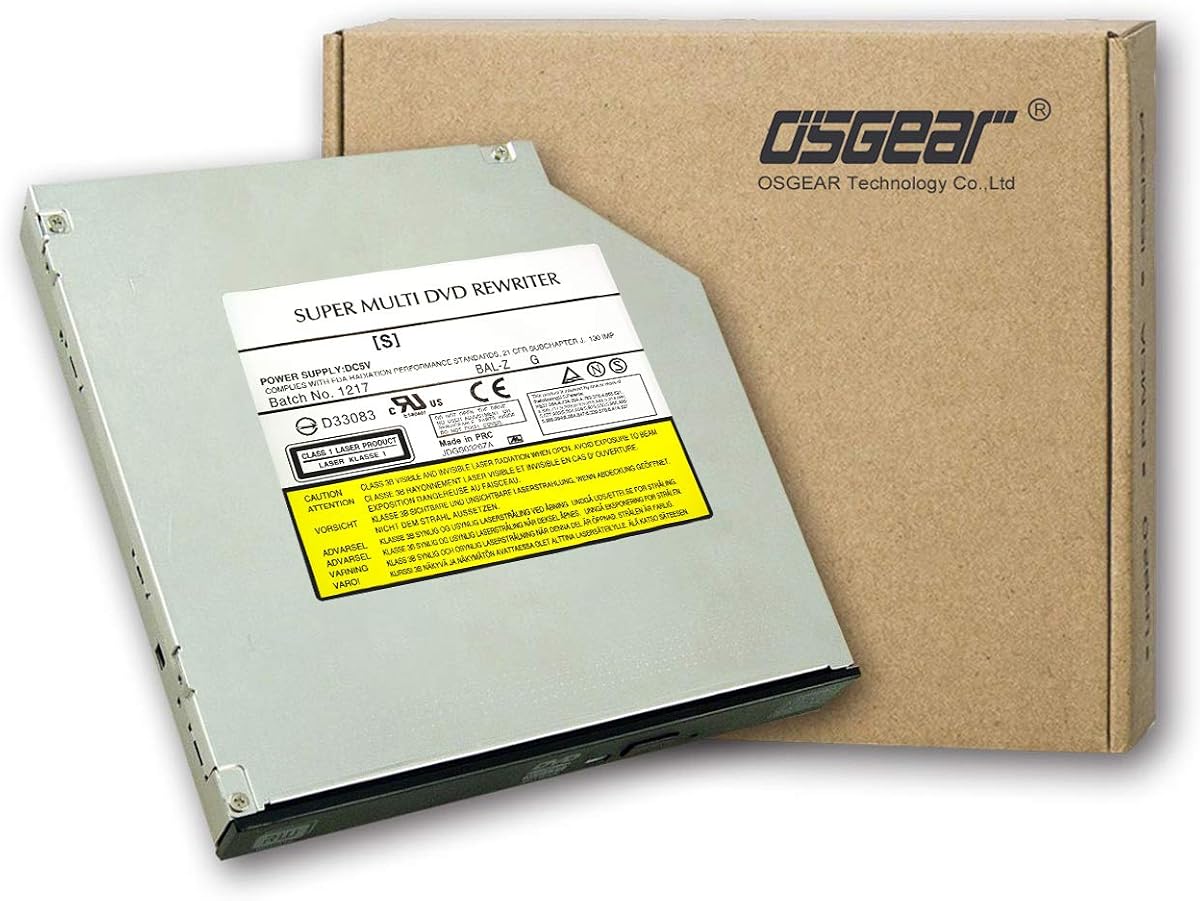
The OSGEAR Internal 9.5mm drive offers a straightforward and affordable solution for laptop optical needs. With a 4.1 rating and wide compatibility, it works across most major brands like Dell, Lenovo, and HP.
We may earn a commission when you buy through this link, at no additional cost to you.
It supports Windows, Mac, and Linux, making it versatile for various operating systems. The 24x CD read speed ensures quick media access, while the 9.5mm thickness fits most slim laptop bays.
Ensure your laptop bay matches the 9.5mm dimension before purchasing to avoid fit issues. While not premium, it provides functional replacement for broken drives without breaking the bank.
Choose this if you need a simple, universal replacement drive. It works well for basic reading and writing tasks in compatible laptop chassis.
Works with major laptop brands and operating systems for broad utility.
The affordable price makes it an attractive option for standard replacements.
We may earn a commission when you buy through this link, at no additional cost to you.
This UJ8C2 drive stands out for its included USB 3.0 cable, which can simplify external use if needed. With a 5.0 rating and slot-in loading, it offers convenience and versatility for users needing flexible options.
We may earn a commission when you buy through this link, at no additional cost to you.
It supports plug-and-play operation on Windows and Mac without extra drivers, making installation easy. The drive works with most major laptop brands, provided your bay matches the 9.5mm thickness.
While designed for internal use, the cable allows potential external setup with a SATA adapter. Just ensure your laptop supports SATA internal connections to maximize compatibility.
Choose this if you want flexibility and a complete installation kit. It is an excellent choice for users who may need both internal and external optical capabilities.
The included USB 3.0 cable supports external connectivity options with proper adapters.
Plug-and-play support means no extra driver installation is required.
We may earn a commission when you buy through this link, at no additional cost to you.
The TechMagnet Internal 7mm drive is one of the few options for ultra-thin laptop optical bays. With a 3.8 rating, it provides a necessary solution for users who cannot fit standard 9.5mm drives.
We may earn a commission when you buy through this link, at no additional cost to you.
It features M-Disc support for long-term storage and works with Mac and Windows systems. The 8X DVD write speed is standard, but the slim profile is its key selling point.
Because 7mm bays are less common, verify your laptop model carefully before ordering. If you have a thin chassis, this may be the only viable internal optical replacement available.
Buy this only if your laptop requires a 7mm drive. It is a specialized solution for ultra-slim systems that still need optical media support.
The 7mm height makes it the only option for many modern thin laptops.
Supports both Mac and Windows systems for versatile usage.
We may earn a commission when you buy through this link, at no additional cost to you.
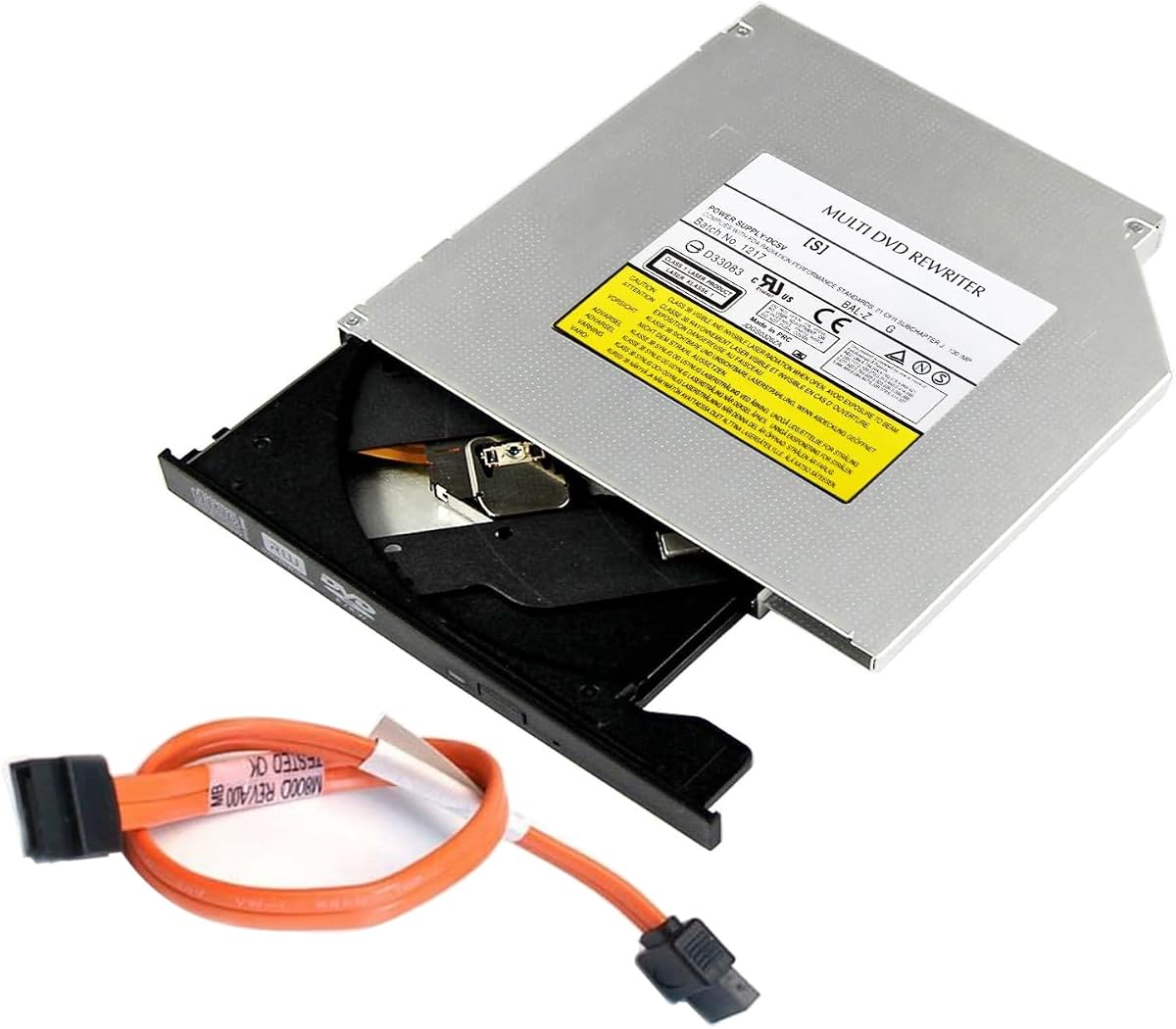
The GUD1N drive is a budget-friendly internal replacement that includes all necessary cables. With a 4.2 rating and M-DISC support, it offers reliable performance for basic users needing optical functionality.
We may earn a commission when you buy through this link, at no additional cost to you.
Its Super Multi DVD compatibility supports most disc formats, and the 9.5mm thickness fits standard laptop bays. The 8X read/write speed handles typical software installation and playback needs.
This model is ideal for beginners who want a simple and affordable replacement. Just check your laptop's bay thickness to ensure it matches the 9.5mm standard.
Choose this if you want a straightforward, all-inclusive solution. It provides everything needed for a basic optical replacement at a very affordable price.
Includes the necessary data cable, simplifying installation for beginners.
Supports all common disc formats to handle a wide range of media.
We may earn a commission when you buy through this link, at no additional cost to you.
Selecting the right internal DVD drive depends on your laptop's physical specifications and your data storage needs.
Most laptops use 9.5mm or 12.7mm bays. Verify your current drive height using the manual or a caliper to ensure a perfect fit before buying. Buying a drive that is too thick will not close the lid properly.
Always measure your bay height to avoid return hassles.
Modern drives use SATA interfaces to connect to the motherboard. Older laptops may have IDE connections, but these are rare today. Check your motherboard or current drive label to confirm the connector type.
Ensure the new drive matches your system interface type.
If you need archival data, choose a drive that supports M-DISC. This technology offers up to 1,000 years of durability compared to standard DVDs. It is ideal for preserving important photos and videos long-term.
Prioritize M-DISC support for critical data backups.
Most models offer 8X DVD write speeds, while some offer 16X read speeds. Higher speeds reduce wait times for installations and burning. However, standard speeds are usually sufficient for general media tasks.
Higher speeds matter for frequent burning and large data.
Choose between tray-loading and slot-in designs based on your preference. Tray-loading is standard and easier to eject. Slot-in drives are sleeker but can sometimes struggle with damaged discs.
Tray-loading offers easier and more reliable disc ejection.
Brands like LG, HP, and ASUS generally offer better firmware and support. Stick to reputable brands to avoid compatibility issues or frequent hardware failures. Check user reviews for real-world reliability before purchasing.
Choose reputable brands for long-term stability and peace of mind.
Most drives support Windows 10 and newer versions. If you use Mac or Linux, verify the vendor lists them explicitly. Some models work automatically, while others need specific drivers or utilities.
Confirm your OS is listed before buying to avoid software issues.
Some drives include E-Green technology to save power when idle. This can extend battery life on laptops and reduce overall energy costs. While not critical, it is a nice feature for mobile users.
Look for power-saving features if you use your laptop on battery.
Ensure your laptop is powered off before opening the casing to access the optical bay. Gently unplug the SATA power and data connectors from the old drive and set it aside for safekeeping.
Slide the new drive into the bay carefully, ensuring the SATA connectors align perfectly with the motherboard ports. Secure the drive with the same screws or brackets that held the previous unit to prevent movement.
Close the laptop back up and boot it on to confirm Windows or your OS detects the new drive automatically. Insert a disc to test functionality, and clean the disc before inserting it to avoid scratching the lens.
Generally, no. Most modern drives are plug-and-play and recognized automatically by Windows 10 or newer. If your system does not detect it, try checking the Device Manager or installing manufacturer-specific drivers manually.
Yes, external USB drives work on any laptop with a free USB port. They are easier to install but take up external space and require power from your system instead of the internal bay.
Check your laptop manual or use a caliper to measure the height. Common sizes are 9.5mm and 12.7mm. Using the wrong thickness will prevent the drive from fitting properly.
Verify that the SATA cable is securely connected. Check the BIOS settings to ensure the port is enabled. If the issue persists, update your motherboard chipset drivers to ensure compatibility.
Yes, most modern software uses digital downloads. However, older programs or specific games may require a disc. An internal drive allows you to use physical media without carrying a separate external unit.
Insert a blank DVD and open File Explorer. Right-click your files and choose Burn to disc or use built-in burning software. Follow the on-screen prompts to finalize the disc for playback.
Finding the right optical drive ensures you can continue using physical media without hassle. The models listed offer a range of features from archival support to ultra-slim designs for various laptop types.
Focus on thickness and interface compatibility first before considering speed or features. This ensures the drive fits your chassis properly and works seamlessly with your motherboard connections.
Prices and availability change frequently, so verify your current requirements before buying. Always check your laptop model against the drive specifications to guarantee a perfect match.