
Seagate 8TB BarraCuda
4.7Editor score
High capacity storage
Fast sustained transfer rate
Reliable SATA interface
Building a reliable media server requires the right storage foundation. Jellyfin users need drives that handle constant streaming without bottlenecks. This guide explores ten top options for home theater and NAS environments.
We evaluated these drives based on capacity, interface speed, and endurance ratings. Our selection includes internal SATA drives and external solutions tailored for multimedia workloads. Each choice balances performance with long-term reliability for daily use.
Every pick includes key specifications and ideal use cases for your setup. Prices vary by retailer and market conditions so check current listings before buying. This guide helps you find the perfect fit for your media library.
4.7Editor score
4.2Editor score

4.6Editor score
As an Amazon Associate we earn from qualifying purchases.
This side-by-side comparison highlights key differences across our selected drives. We examine capacity, rotational speed, cache size, and specialized features to help you identify the best fit for your Jellyfin server needs.




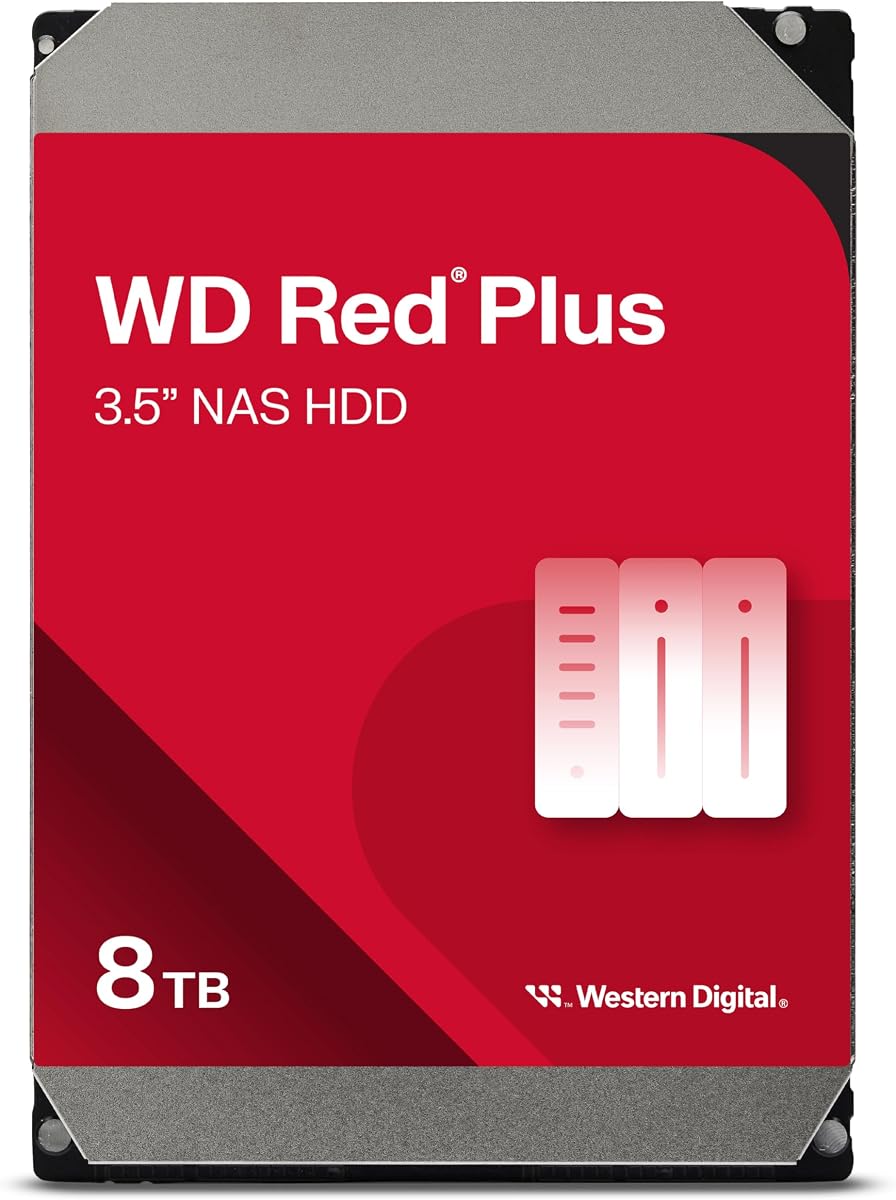
The Western Digital 8TB WD Red Plus stands out as a top choice for Jellyfin media servers. With a strong rating of 4.2, it delivers stability for home NAS setups. Its CMR technology ensures consistent performance during heavy read operations.
We may earn a commission when you buy through this link, at no additional cost to you.
This drive is purpose built for NAS systems that handle constant streaming workloads. The firmware supports up to 180 TB per year which suits multi user environments well. Users benefit from smooth playback across multiple devices without lag.
While designed for NAS use it is also effective for general storage. Some users may find the capacity higher than needed for smaller libraries. The price reflects its specialized design but reliability justifies the investment for serious streamers.
Ideal for households with large media collections or multi device access. If you value long term drive health over cost this drive is a solid pick. It provides peace of mind for critical media server infrastructure needs.
CMR technology ensures data is written sequentially avoiding the slowdowns common with shingled drives. This is crucial for media servers that require sustained write and read throughput for smooth streaming.
Designed for 180 TB annual workloads this drive handles the continuous access patterns typical of media streaming. It maintains speed even when multiple users access different files simultaneously.
We may earn a commission when you buy through this link, at no additional cost to you.
The Seagate 8TB BarraCuda offers excellent value for budget conscious Jellyfin users. With a high rating of 4.7 it provides solid performance for internal storage. Its 190MB/s transfer rate handles video files efficiently without bottlenecks.
We may earn a commission when you buy through this link, at no additional cost to you.
Built on proven technology this drive supports diverse PC applications from media to gaming. It comes in frustration free packaging making setup straightforward for home users. The 8TB capacity suits large movie collections easily.
While not specialized for NAS it works well in single bay setups. Users may find it slightly louder under load than NAS drives. For general storage the balance of price and performance makes it a top choice.
Best for hobbyists or first time media server builders. If you need space without breaking the bank this drive delivers. It is a reliable option for storing and streaming media files locally.
Sustained transfer rates of 190MB/s allow quick loading of large video files. This speed ensures minimal buffering when streaming high definition content to connected devices.
Backed by twenty years of innovation this drive reflects Seagate's commitment to quality. Users trust this series for long term storage needs in home environments.
We may earn a commission when you buy through this link, at no additional cost to you.
The Seagate One Touch 8TB brings flexibility to Jellyfin servers needing portable storage. It connects via USB-C without requiring a wall outlet. The rating of 4.6 confirms its reliability for daily file access tasks.
We may earn a commission when you buy through this link, at no additional cost to you.
Users appreciate the one port design which reduces cable clutter. It works seamlessly with Windows and macOS systems for broad compatibility. The included data recovery services add extra security for valuable media files.
External drives can introduce latency compared to internal options. For heavy streaming loads internal drives may perform better. This drive excels for backup or secondary storage rather than primary media hosting.
Ideal for users needing quick transfer access or backup storage. It simplifies setup for mobile media libraries or backup drives. Choose this when flexibility and ease of use are top priorities.
Bus-powered design draws power directly from your computer eliminating the need for extra outlets. This simplifies setup in home theater racks or cramped server spaces.
Two-year limited warranty and Rescue Recovery services protect against data loss. This added security is valuable for irreplaceable media files and backups.
We may earn a commission when you buy through this link, at no additional cost to you.
The Seagate 1TB Mobile HDD is designed for compact storage needs in smaller systems. Its 2.5 inch form factor fits easily into tight enclosures. The 4.4 rating indicates consistent performance for portable internal use cases.
We may earn a commission when you buy through this link, at no additional cost to you.
At just 7mm thick it allows slim device integration without bulk. Users can transition to 2TB capacity without significant weight changes. This drive suits small Jellyfin instances where space is at a premium.
Limited capacity may require multiple drives for large libraries. It is best suited for boot or cache drives rather than storage. The SATA interface ensures compatibility with standard motherboard ports.
Perfect for minimalists or users with space constraints. If you need a lightweight drive for limited media storage this works well. It offers a balance of size and speed for small setups.
At 7mm thick this drive is among the thinnest available for internal use. It maximizes space efficiency in compact builds like mini PCs or thin servers.
Stores up to 124 hours of high-definition video for local playback. This capacity is ideal for smaller media libraries or dedicated cache storage.
We may earn a commission when you buy through this link, at no additional cost to you.
The Seagate IronWolf 4TB is tailored for multi-bay NAS environments serving media files. With a rating of 4.5 it offers robust performance for RAID configurations. Its health management system helps prevent unexpected downtime during streaming.
We may earn a commission when you buy through this link, at no additional cost to you.
Engineered for network storage it minimizes wear and tear from constant access. The low noise design keeps server rooms quiet while maintaining file sharing speed. This drive supports up to 8-bay systems with consistent throughput.
Users may need to pair drives for optimal RAID performance. The lower RPM reduces power consumption but can affect peak speed. Overall it balances reliability and cost for home server needs.
Best for users building or upgrading a NAS server. If you plan to share files across devices this drive provides stability. It is a trusted choice for reliable home media streaming setups.
Integrated monitoring tracks drive health to prevent failures before they occur. This proactive approach ensures your media server remains available for uninterrupted streaming.
Designed to handle multiple simultaneous connections without lag. This makes it ideal for households where several people stream media at once.
We may earn a commission when you buy through this link, at no additional cost to you.
The Western Digital 12TB WD Blue provides massive capacity for expanding media libraries. A 4.6 rating confirms its reliability for everyday computing tasks. Its 7200 RPM speed ensures fast data access for streaming large files.
We may earn a commission when you buy through this link, at no additional cost to you.
The 512 MB cache supports quick buffering of video data. Cloning software simplifies migration to larger drives without manual setup. This makes it versatile for home or office environments with big storage needs.
It may run warmer than low-speed NAS drives due to high RPM. Users should ensure adequate ventilation in their server racks. Still it offers great value for sheer storage capacity and speed.
Ideal for large media collectors needing space and speed. If you prioritize capacity and performance this drive fits well. It is a solid option for users planning to store years of media.
Free Acronis True Image WD Edition software simplifies drive migration. You can clone your old drive easily without losing existing media data.
512 MB cache allows better handling of burst data requests. This improves responsiveness when opening large media files or playlists.
We may earn a commission when you buy through this link, at no additional cost to you.
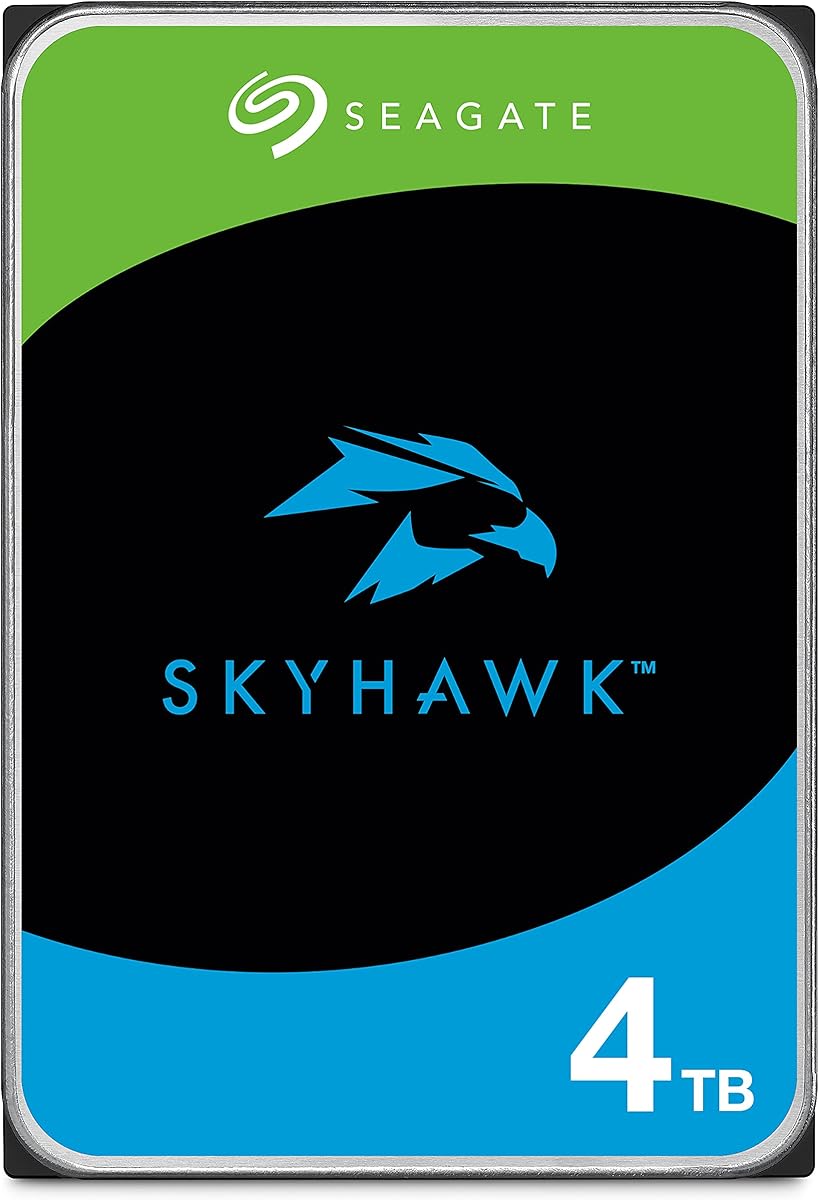
The Seagate Skyhawk 4TB is built for continuous video writing workloads. With a rating of 4.4 it delivers consistent performance for streaming applications. Its low power design reduces heat emissions for better reliability.
We may earn a commission when you buy through this link, at no additional cost to you.
RV sensors help maintain speed in multi-bay setups. This prevents performance drops when multiple files are accessed simultaneously. It also includes health management tools to monitor drive status over time.
Surveillance optimized features may not benefit all media use cases. Users looking for general purpose drives might find NAS options better suited. However it excels for high write intensity scenarios.
Best for servers handling many simultaneous video streams. If your Jellyfin setup involves heavy recording or transcoding this drive fits. It offers specialized support for video-centric workloads.
Supports up to 64 simultaneously streaming HD cameras without dropped frames. This high workload tolerance ensures smooth media playback for home users.
Lower power consumption reduces heat and improves overall drive reliability. This helps maintain stability during long running server sessions.
We may earn a commission when you buy through this link, at no additional cost to you.
The Western Digital 6TB WD Purple targets surveillance systems but suits streaming too. A 4.5 rating reflects its ability to handle heavy workloads. Its AI technology enhances video stream handling for better reliability.
We may earn a commission when you buy through this link, at no additional cost to you.
Tuned for low bit-rate workloads it supports many continuous data streams. This makes it a fit for environments needing constant write access. The 128 MB cache aids in buffering video data effectively.
While specialized for surveillance it may underperform in general mixed workloads. Users seeking random access speed might prefer NAS drives instead. It remains a strong choice for write heavy media setups.
Best for dedicated media storage with constant recording or streaming. If your server handles large continuous streams this drive performs well. It provides specialized support for high stream count demands.
AllFrame AI technology delivers enhancements for higher workload rates. This helps prevent dropped frames during intensive video writing tasks.
Supports workloads up to 360 TB per year with AI enabled recorders. This capacity ensures reliable operation for large media servers.
We may earn a commission when you buy through this link, at no additional cost to you.
The Seagate Skyhawk 4TB supports continuous 24×7 video workloads reliably. A 4.6 rating indicates strong performance for streaming tasks. Image Perfect firmware ensures clear video playback without dropped frames.
We may earn a commission when you buy through this link, at no additional cost to you.
It handles high workloads three times that of desktop drives. RV sensors help maintain speed in multi drive RAID environments. The frustration free packaging makes installation quicker for home users.
It may not offer the best random access speeds for gaming. Users focused on pure video storage will find it ideal. The warranty adds value for long term server use.
Best for streaming servers needing constant read and write cycles. If you require steady video performance this drive is a top pick. It balances speed with reliability for media servers.
Custom firmware is tuned for video streams ensuring clear playback. This reduces interruptions and improves the overall viewing experience.
Rotational vibration sensors prevent performance drops in multi-bay systems. This keeps speeds steady when several drives operate together.
We may earn a commission when you buy through this link, at no additional cost to you.
The Seagate IronWolf 6TB provides balanced performance for NAS media servers. A 4.4 rating confirms it handles daily access well. Its 256 MB cache offers smooth data buffering for streaming tasks.
We may earn a commission when you buy through this link, at no additional cost to you.
Designed for multi-user environments it minimizes wear and noise. This ensures stable performance even when multiple clients request media. It is a solid choice for growing home servers.
While not the fastest it offers consistent throughput for video. Users needing peak performance might prefer higher RPM options. Still its reliability and capacity make it a strong contender.
Best for steady media hosting and shared access needs. If you value stability over raw speed this drive is a good fit. It serves well as a reliable storage core for Jellyfin.
Large 256 MB cache helps smooth out burst data requests. This improves response times when accessing multiple media files.
Built for 24×7 operation it minimizes downtime and extends drive life. This reliability is essential for always-on home server systems.
We may earn a commission when you buy through this link, at no additional cost to you.
Selecting the right hard drive requires balancing capacity, speed, and endurance. This section explains key factors to consider before purchasing.
Choose capacity based on your library size and future growth. Larger drives reduce the need for multiple disks. Aim for at least 4TB for most media collections.
Assess your current media volume and plan for growth when selecting storage.
Ensure the drive supports SATA 6Gb/s for fast data transfer. Higher interface speeds prevent bottlenecks during streaming. This is critical for high-definition video playback.
Look for drives with fast sustained transfer rates for smooth streaming.
NAS drives are built for continuous operation and RAID setups. They offer better reliability than standard desktop drives. Check for NASware or CMR technology when selecting.
Choose drives optimized for 24×7 use if running a home server.
Higher RPM drives offer faster access but consume more power. 5400 RPM drives save energy while providing steady streaming. Consider your noise and power needs.
Balance speed with power consumption based on your environment.
Larger cache improves data buffering and reduces load times. This helps when multiple users access files at once. Look for 64MB or higher cache sizes.
Opt for drives with larger cache for multi-user streaming.
High workload ratings ensure the drive handles continuous streaming. Surveillance or NAS drives often support 180 TB per year. This prevents wear from constant read operations.
Pick drives with high workload ratings for frequent media access.
Longer warranties provide peace of mind for data security. Some drives include rescue services for data recovery. Check terms before purchase.
Prioritize drives with strong warranty coverage for long-term safety.
Ensure the drive fits your server chassis size. 3.5 inch drives are standard for desktop servers while 2.5 inch suits portable. Verify dimensions before buying.
Confirm your server supports the drive size you plan to buy.
Mount the drive securely in your server case to prevent vibration. Use anti-vibration mounts if available to reduce noise and wear. Proper mounting ensures longevity for your media storage.
Configure your server to recognize the drive and set it for media streaming. Install Jellyfin and assign the drive as your media storage source. Test a few files for playback to confirm connectivity.
Monitor drive health regularly using built-in tools or third-party apps. Keep firmware updated to maintain performance and prevent issues. Schedule regular backups to protect your media library data.
For most home users a 4TB to 8TB drive offers enough space for movies and shows. If you plan to store high-resolution content consider 12TB or more. Always plan for future growth.
While desktop drives work NAS drives are built for 24×7 operation. They offer better reliability for servers that run continuously. This makes them ideal for persistent media access needs.
Yes external USB drives work well for secondary storage or backups. Ensure they connect via fast USB 3.0 or USB-C for performance. Internal drives are better for primary media hosting.
Larger cache buffers data allowing smoother playback when multiple files are accessed. This reduces latency during high-demand streaming times. It helps prevent buffering for several users at once.
CMR ensures data is written sequentially avoiding performance drops common with SMR. This is critical for consistent speeds in RAID or streaming setups. Always pick CMR drives for media servers.
Quality drives last several years under normal server loads. NAS models often support years of continuous operation with proper cooling. Regular health checks extend their effective lifespan.
Not necessarily the same drive can store and serve media. Ensure it has enough speed and capacity to handle load. Separate drives help if you run heavy transcoding tasks.
Use SMART tools or server software to track drive stats. Look for temperature and error counts to spot issues early. Many NAS systems include built-in health management tools.
We have reviewed ten top drives ranging from budget options to NAS optimized models. Each offers different strengths suited to various home server needs. Selecting the right fit depends on your media size and streaming load.
Prioritize reliability and workload ratings when building a server. A drive that handles continuous access will keep your media library running smoothly. Don't skimp on drive quality for critical home infrastructure.
Prices and availability can change quickly so check current listings. Use our top picks as a starting point for your setup. With the right storage your Jellyfin experience will be fast and reliable.