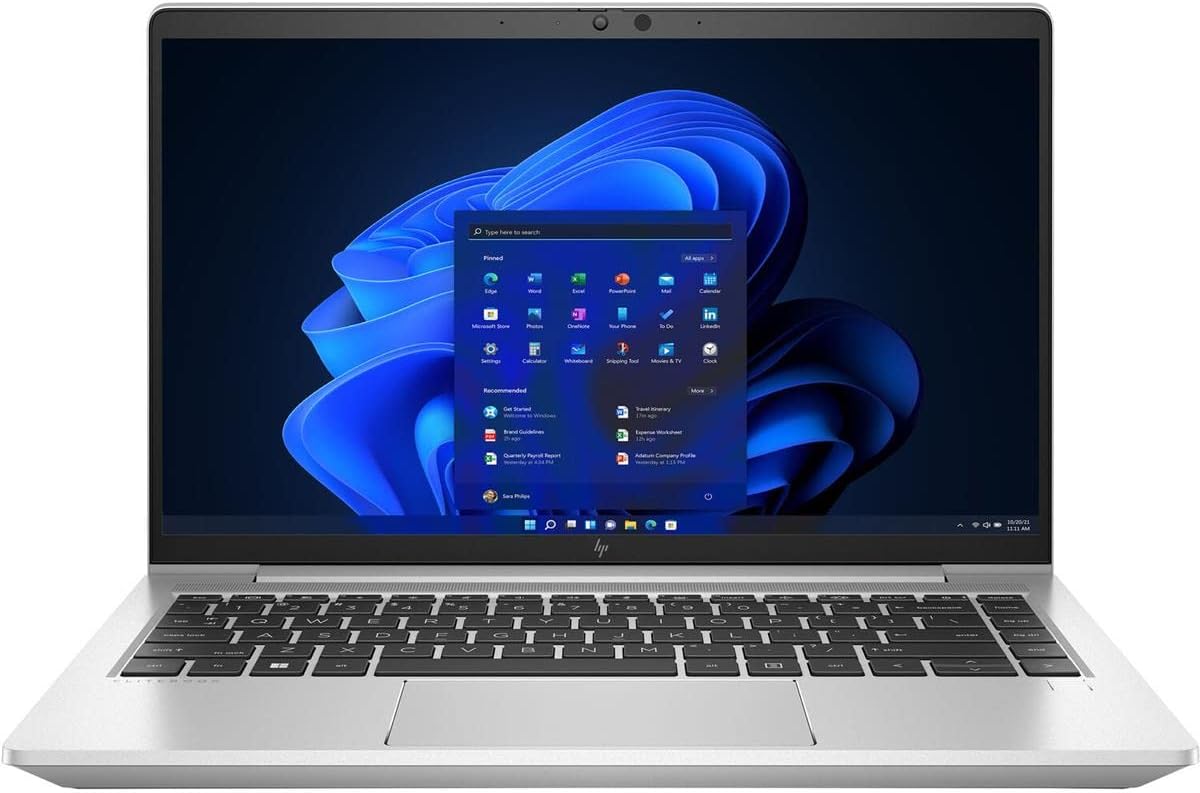
HP EliteBook 645 G9
5.0Editor score
Ryzen 7 PRO CPU
Enterprise-grade security
512GB SSD storage
Finding a laptop that supports dual boot Windows and Linux requires careful attention to hardware compatibility. Users need devices with reliable drivers, flexible partitioning, and secure boot options to ensure smooth operation across both systems without conflicts or performance issues.
We evaluated ten top-rated laptops based on processor power, memory capacity, storage speed, and Linux kernel support. Our comparison focuses on models that offer the best balance between business durability, student affordability, and developer flexibility for multi-OS workflows.
Each pick highlights unique strengths, from pre-installed Linux Mint to robust Windows Pro configurations ready for modification. Note that prices and availability change frequently, so verify current details before making your final purchasing decision for your specific needs.
5.0Editor score

5.0Editor score

4.4Editor score
As an Amazon Associate we earn from qualifying purchases.
The following table provides a side-by-side comparison of all ten selected laptops. It highlights essential specifications like processor type, memory, storage, and display size to help you quickly identify the model that fits your dual boot requirements.



The Lenovo Thinkbook 13s stands out as the top choice for users seeking a laptop pre-configured with Linux Mint. Its seamless integration and robust hardware compatibility make it an ideal starting point for dual boot setups without complex installation hurdles.
We may earn a commission when you buy through this link, at no additional cost to you.
Equipped with an Intel i7-8565U processor and 16GB RAM, this ultrabook handles multitasking effortlessly. The FHD IPS display provides crisp visuals, while the full aluminum body ensures durability. Security features like TPM 2.0 and ThinkShutter camera privacy add enterprise-level protection.
While the CPU is from an older generation, it remains efficient for daily workflows. The limited port selection might require dongles for some peripherals, but the USB-C and HDMI options cover most needs. This trade-off is acceptable given the premium build quality.
This laptop is perfect for professionals and developers who need a reliable machine that respects open-source principles. If you prioritize a ready-to-use Linux experience with solid Windows dual boot potential, the Thinkbook 13s is a highly recommended choice.
Pre-installed Linux Mint ensures immediate access to development tools and a familiar desktop environment right out of the box.
The all-aluminum chassis offers a premium feel and sturdy construction that withstands daily transport and professional use.
We may earn a commission when you buy through this link, at no additional cost to you.
The HP EliteBook 645 G9 delivers premium performance with its AMD Ryzen 7 PRO processor. It is built for professionals who need power and security, making it excellent for handling complex dual boot environments with heavy workloads.
We may earn a commission when you buy through this link, at no additional cost to you.
This laptop features 16GB RAM and a spacious 512GB SSD, ensuring fast data access and smooth multitasking. The 14-inch FHD display provides an immersive viewing experience. HP's enterprise-grade security features protect sensitive data across both operating systems.
While it comes with Windows 10 Pro, the hardware is fully compatible with Linux installations. The price is higher than budget options, but the build quality and performance justify the investment. It is a robust solution for demanding users.
Ideal for corporate environments or power users, this EliteBook offers the reliability needed for serious work. If you want a high-end machine capable of handling dual boot tasks efficiently, the 645 G9 is a top contender.
The 8-core Ryzen processor ensures that even resource-intensive applications run smoothly in either Windows or Linux.
Integrated enterprise security features protect your data and provide a secure environment for sensitive business operations.
We may earn a commission when you buy through this link, at no additional cost to you.
The Lenovo V15 offers exceptional value for budget-conscious users seeking dual boot capabilities. Its Ryzen 5 processor and generous 16GB RAM make it surprisingly capable for running both Windows and Linux efficiently without breaking the bank.
We may earn a commission when you buy through this link, at no additional cost to you.
With a 512GB SSD and a full numeric keypad, this laptop is designed for productivity. The 15.6-inch FHD display provides enough screen real estate for multitasking. It includes Windows 11 Pro but works well for Linux modifications.
While the build is more basic than premium models, it holds up well for everyday tasks. The screen brightness is adequate but not the best in class. These minor drawbacks are balanced by the impressive performance-to-price ratio.
Students and home users will appreciate the affordability and power. If you need a reliable entry point for dual booting that handles multitasking with ease, the V15 is a smart and budget-friendly choice.
The combination of powerful hardware and low cost makes this one of the most affordable dual boot options available.
The included numeric keypad and larger display enhance productivity for data entry and spreadsheet tasks.
We may earn a commission when you buy through this link, at no additional cost to you.
The newer Lenovo V15 model features DDR5 RAM and a Ryzen 7520U processor for improved speed. This combination ensures faster boot times and smoother multitasking, which is beneficial for switching between operating systems.
We may earn a commission when you buy through this link, at no additional cost to you.
It includes 512GB storage and a privacy shutter on the webcam for added security. The MIL-SPEC tested build ensures durability. The display is TÜV low blue light certified, making it comfortable for long usage sessions.
Graphics performance is limited by integration, but this is acceptable for general dual boot tasks. The design remains functional and basic. The focus here is on reliable performance and modern connectivity features.
Ideal for students and professionals who need modern specs on a budget. If DDR5 speed and a durable build are priorities for your dual boot workflow, this V15 model is a strong candidate.
DDR5 RAM provides faster data throughput compared to older standards, enhancing overall system responsiveness.
MIL-SPEC testing ensures the laptop can withstand physical shocks and environmental stress for reliable use.
We may earn a commission when you buy through this link, at no additional cost to you.
The ThinkPad L14 is a classic business laptop with rugged reliability. As a renewed unit, it offers significant savings. It supports Windows 11 Professional out of the box, making it a solid platform for Linux dual boot configurations.
We may earn a commission when you buy through this link, at no additional cost to you.
It comes with 16GB RAM and a 256GB SSD. The Trackpoint and physical keyboard provide excellent typing comfort. Connectivity is strong with multiple USB-C ports and Ethernet support, which is useful for stable network connections.
Storage is on the lower side, but expansion is possible. Being a renewed unit, there might be cosmetic wear. However, the core functionality remains high, making it a practical choice for users who value keyboard quality.
This laptop is suited for business users or students on a budget who need a durable device. If you appreciate the ThinkPad typing experience and need a robust machine for dual boot, it is worth considering.
The classic ThinkPad keyboard with Trackpoint offers unmatched precision and comfort for text-heavy workflows.
Multiple USB-C and legacy ports ensure you can connect a wide variety of peripherals without adapters.
We may earn a commission when you buy through this link, at no additional cost to you.
Another strong contender from Lenovo, this business laptop comes with Linux Mint pre-installed. The 13th Gen Intel i5 processor offers modern performance. It is an excellent choice for users who want Linux immediately but keep Windows flexibility.
We may earn a commission when you buy through this link, at no additional cost to you.
With 16GB RAM and fast charging capabilities, it handles daily tasks efficiently. The full keyboard and privacy shutter add to the usability. The 15.6-inch display provides a good balance of screen size and portability.
The 256GB SSD is manageable but might fill up with large projects. Integrated graphics are sufficient for office work. The fast charging ensures you spend less time tethered to an outlet during busy days.
This device is perfect for professionals who need immediate Linux support. If you want a modern CPU and the convenience of pre-loaded software, this Lenovo model is a highly practical option.
Pre-installed Linux Mint allows you to dive straight into development or office work without extra setup steps.
Fast charging technology ensures you get hours of usage from just a few minutes of charging time.
We may earn a commission when you buy through this link, at no additional cost to you.
The Dell Latitude 5420 is a proven business workhorse. As a renewed unit, it provides great value. It comes with Windows 11 Pro but is well-suited for dual boot configurations due to its robust driver support.
We may earn a commission when you buy through this link, at no additional cost to you.
Equipped with 16GB RAM and a 256GB SSD, it handles multitasking well. The 14-inch FHD display is standard and clear. It offers a good selection of ports including HDMI and Ethernet for versatile connectivity.
Battery life is average compared to newer models. The build is durable but primarily plastic. Despite these minor limitations, the performance remains solid for business tasks and general computing needs.
This laptop is ideal for office users seeking a reliable and affordable device. If you need a machine that can handle dual boot systems without fuss, the Latitude 5420 is a dependable choice.
As a renewed business laptop, it offers enterprise-grade features at a fraction of the cost of new units.
Multiple ports allow for easy connection to peripherals and external displays without needing extra dongles.
We may earn a commission when you buy through this link, at no additional cost to you.
The ASUS Vivobook 14 prioritizes portability and battery life. It is thin and light, making it easy to carry. While it comes with Windows 11, its low resource usage makes it easier to dual boot lightweight Linux distributions.
We may earn a commission when you buy through this link, at no additional cost to you.
With only 4GB RAM and eMMC storage, it is best for basic tasks. However, the 1TB cloud storage expands your capabilities. The display is sharp and suitable for media consumption and browsing.
Dual boot heavy applications might strain the RAM. The storage speed is slower than SSDs. These limitations are acceptable for users who need a secondary device for travel and light use.
Ideal for students or travelers needing a secondary device. If you want something ultra-lightweight and affordable for basic dual boot setups, the Vivobook 14 offers a practical solution.
Weighing just under 3 pounds, this laptop is easy to slip into any bag for travel or daily commutes.
Long battery life ensures you can work unplugged for extended periods without needing a power source.
We may earn a commission when you buy through this link, at no additional cost to you.
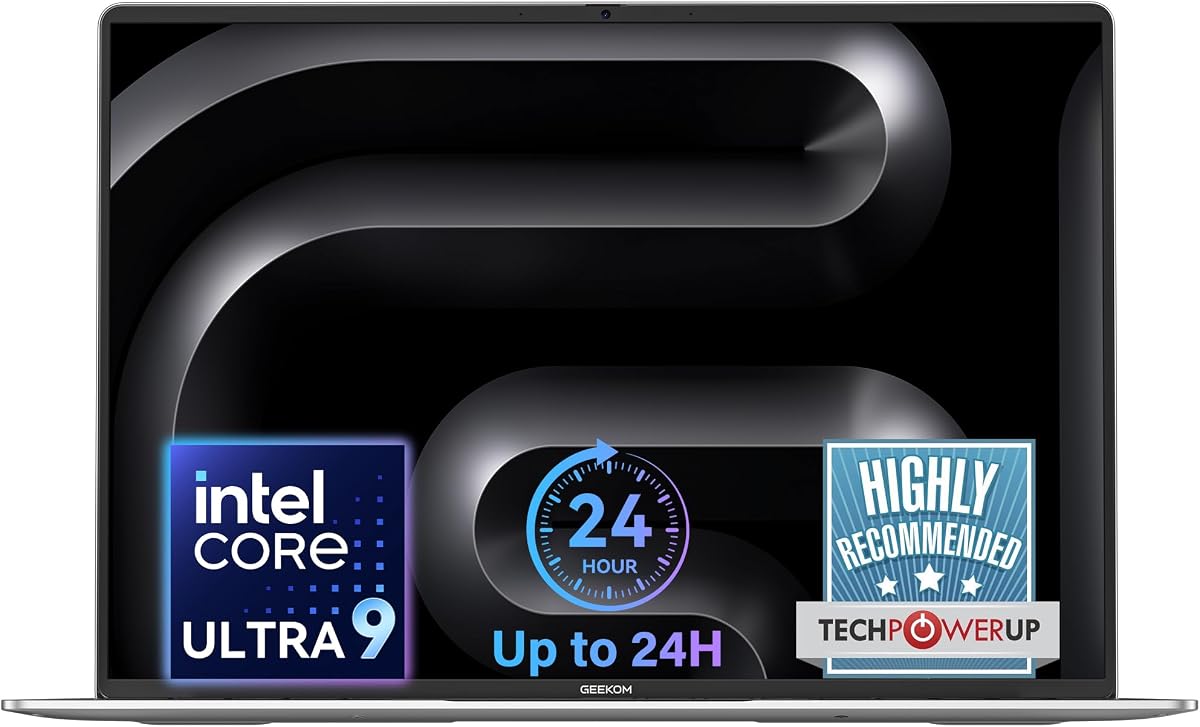
The GEEKOM GeekBook M16 features the powerful Intel Core Ultra 9 processor. It is designed for high performance with 24-hour battery life. This makes it excellent for demanding dual boot tasks and professional workloads.
We may earn a commission when you buy through this link, at no additional cost to you.
It includes 16GB LPDDR5 RAM and a 512GB SSD for speed. The 16-inch display offers more screen real estate for multitasking. The USB4 port supports high-speed data and external displays.
While the size is larger than ultrabooks, it offers desktop-like performance. The premium aluminum build is durable. The cost is higher, but the performance per watt is exceptional for modern workflows.
Perfect for power users and content creators. If you need high-end performance and long battery life for your dual boot setup, the M16 provides a compelling modern option.
The sustained 55W output ensures that performance does not drop even when running on battery power.
The 16:10 aspect ratio provides more vertical space for coding and document editing.
We may earn a commission when you buy through this link, at no additional cost to you.
The Dell Pro 15.6 brings DDR5 memory to an affordable price point. It features a 120Hz display for smoother visuals. This makes it a strong choice for users seeking modern specs without a high price tag.
We may earn a commission when you buy through this link, at no additional cost to you.
With 16GB RAM and a 256GB SSD, it balances well. The 15.6-inch display is vibrant. Connectivity includes USB-C and SD card slots, offering flexibility for media transfer and peripherals.
The CPU is entry-level, suitable for daily tasks. The plastic chassis is sturdy but not premium. Despite this, the performance and speed of DDR5 memory make it a capable machine for dual boot needs.
Ideal for students and home users on a budget. If you want modern memory speed and a reliable display for general dual boot work, the Dell Pro 15.6 is a practical and economical choice.
A 120Hz refresh rate provides fluid scrolling and smoother motion for multimedia and interface navigation.
Priced affordably with DDR5 RAM, it offers excellent value for users seeking speed on a budget.
We may earn a commission when you buy through this link, at no additional cost to you.
Choosing the right laptop for dual boot requires balancing performance, compatibility, and budget to ensure seamless switching between operating systems.
Processors with native support for both Windows and Linux simplify the dual boot experience. Modern AMD and Intel chips generally work well across both systems, but checking specific kernel support ensures optimal performance.
Look for newer Ryzen or Core processors to guarantee smooth dual boot functionality.
Running two operating systems demands sufficient RAM and storage. Aim for at least 16GB RAM to handle multitasking. SSDs ensure fast boot times and responsive performance for both OS instances.
Prioritize SSD storage and ample RAM to avoid performance bottlenecks during dual boot use.
Secure Boot settings can sometimes interfere with Linux installations. Look for laptops that allow easy disabling of Secure Boot or that include Linux pre-installed to avoid configuration hurdles.
Ensure the laptop BIOS allows Secure Boot changes for hassle-free Linux installation.
Linux drivers are critical for hardware functionality. Most mainstream laptops from brands like Lenovo and Dell have excellent support. Check community forums to confirm driver availability for your specific model.
Verify Linux driver support before buying to ensure all hardware features work correctly.
Dual boot laptops often serve professionals who need durability. A sturdy chassis, good keyboard, and reliable trackpad enhance productivity. Premium materials also contribute to better heat management.
Select a laptop with robust build quality to handle daily use in both systems.
Ports like USB-C and HDMI are essential for external displays and peripherals. Sufficient connectivity allows you to expand your workspace when running complex development tools in Linux.
Choose models with versatile port options to maximize your productivity setup.
High resolution and color accuracy improve productivity. A clear display makes switching between OS interfaces easier and reduces eye strain during long coding or work sessions.
Prioritize Full HD displays with good viewing angles for comfortable dual boot usage.
Some laptops ship with Linux pre-installed, saving time. Others include Windows but allow easy partitioning. Consider your comfort level with OS installation when selecting.
Decide between pre-installed Linux or customizable Windows based on your technical needs.
To set up dual boot, back up your data before partitioning. Use the Windows Disk Management tool to free up space for Linux. Then boot from a Linux USB installer and follow the on-screen prompts to install alongside Windows.
Keep both operating systems updated regularly to maintain security and performance. Check for BIOS and driver updates periodically to ensure compatibility with new software versions across both environments.
Avoid storing critical data on the operating system partitions themselves. Use external drives or cloud storage to safeguard files. This prevents data loss if a partition needs to be resized or reset.
Not every laptop supports dual boot due to firmware restrictions. Modern laptops generally work well if you can disable Secure Boot or adjust BIOS settings to allow multi-boot configurations.
Ubuntu and Linux Mint are highly recommended for laptops due to their strong driver support and user-friendly interfaces. They work seamlessly with most hardware out of the box.
No, you can install Linux alongside Windows. Dual boot setups allow you to keep Windows while adding Linux to the same drive partitioned for separate OS usage.
Yes, dual boot is safe if you properly partition your drive. Always back up your data before making partition changes to prevent accidental loss during installation.
You select the operating system using a boot menu that appears when starting the laptop. GRUB typically handles this process by listing available OS options.
Dual boot does not slow down active systems. Each OS runs independently when selected. Performance depends on your hardware and partition allocation.
Yes, using a shared data partition allows access to files across both systems. Format this partition as exFAT or NTFS for compatibility with Windows and Linux.
Risks include accidental file deletion or boot loader issues. Always backup important data and carefully follow installation guides to avoid problems.
The Lenovo Thinkbook 13s leads the pack with its Linux-ready design. For premium performance, the HP EliteBook 645 G9 excels. Budget shoppers will find great value in the Lenovo V15 models.
Prioritize processor speed, memory, and BIOS flexibility when selecting your machine. These factors ensure a smooth dual boot experience that meets both professional and personal needs.
Remember to verify current prices and availability before purchasing. Technology evolves quickly so checking the latest specs will help you make the best informed decision for your setup.