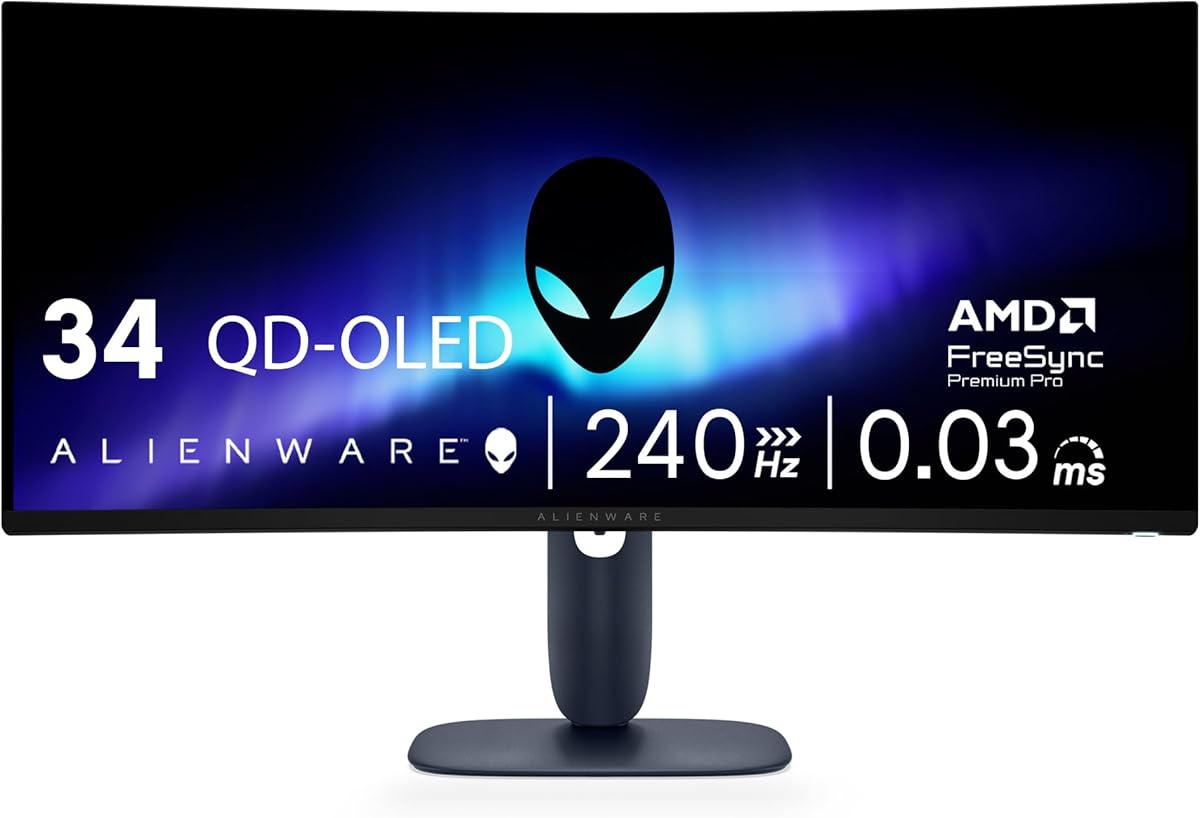
Alienware 34 240Hz QD-OLED Curved Gaming Monitor
4.5Editor score
QD-OLED technology
1800R curve
Infinite contrast ratio
Finding the right gaming monitor can transform your entire setup. Alienware offers a range of displays designed for speed clarity and immersion. Whether you prefer ultrawide curves or crisp flat panels there is something for every player.
We analyzed ten real models based on performance specs and user feedback. This list covers everything from competitive esports screens to cinematic ultrawide displays. Each entry highlights key features that matter most during intense gaming sessions.
Each pick shows specific strengths like refresh rate response time and color accuracy. Prices and availability change frequently so check the links for current details. Our goal is to help you find the perfect monitor for your needs.
4.5Editor score

4.6Editor score
4.4Editor score
As an Amazon Associate we earn from qualifying purchases.
This side-by-side comparison helps you evaluate the key specifications of ten top Alienware monitors. We focus on resolution refresh rate panel technology and unique features to show how each model stacks up against the others.


This monitor offers a balanced mix of speed and clarity for most gamers. It features a 27 inch WQHD panel with a 180Hz refresh rate. The fast IPS technology ensures quick response times and wide viewing angles.
We may earn a commission when you buy through this link, at no additional cost to you.
The display delivers vibrant visuals with 95 percent DCI-P3 color coverage. VESA DisplayHDR 400 certification adds depth to supported content. A 1ms gray to gray response time keeps motion crisp during intense sessions.
While the HDR performance is solid it does not reach the heights of higher tier models. The base design is sturdy but takes up desk space. These trade-offs are acceptable for the price point and overall performance.
Ideal for gamers seeking a reliable everyday monitor without compromise. It handles competitive shooters and open world titles with ease. The console mode adds versatility for hybrid setups using multiple devices.
The fast IPS panel balances speed and color accuracy effectively.
A dedicated console mode optimizes settings for console gaming.
We may earn a commission when you buy through this link, at no additional cost to you.
This ultrawide monitor brings elite immersion with QD-OLED technology. The 34 inch screen curves at 1800R for a natural field of view. It supports a 240Hz refresh rate for ultra smooth motion.
We may earn a commission when you buy through this link, at no additional cost to you.
Color accuracy is exceptional with 99.3 percent DCI-P3 coverage. The displayHDR TrueBlack 400 certification delivers deep blacks and bright highlights. Adaptive sync technologies ensure tear free gaming across GPUs.
OLED panels carry a risk of burn in with static content. The price reflects the premium materials and advanced display tech. These factors matter for long term ownership and budget considerations.
Perfect for enthusiasts wanting cinematic depth and speed. It excels in single player titles and competitive shooters alike. The curve enhances immersion without distorting the image significantly.
Quantum Dot OLED combines pure blacks with vivid color.
A 240Hz rate keeps fast action fluid and clear.
We may earn a commission when you buy through this link, at no additional cost to you.
This model prioritizes speed for competitive gamers on a budget. It delivers a 480Hz refresh rate and 0.5ms response time. Fast IPS tech ensures accurate colors and wide viewing angles.
We may earn a commission when you buy through this link, at no additional cost to you.
NVIDIA Reflex Latency Analyzer helps optimize system response for play. VESA DisplayHDR 400 adds basic HDR support for media. The design keeps motion blur minimal during fast-paced games.
Full HD resolution may feel limited for high-end PC setups. HDR content looks standard compared to brighter panels. These trade-offs make it ideal for esports focused users.
Best for shooters where reaction time matters most. The high refresh rate provides a tangible edge in tournaments. It offers top tier speed without the highest cost.
The 480Hz rate gives players a faster reaction edge.
Reflex Analyzer tools help tune system latency effectively.
We may earn a commission when you buy through this link, at no additional cost to you.
This monitor blends immersive curve with vivid OLED clarity. It supports a 175Hz refresh rate and ultra fast 0.1ms response time. QD-OLED technology enables richer hues and deep contrast.
We may earn a commission when you buy through this link, at no additional cost to you.
NVIDIA G-SYNC ULTIMATE certification ensures smooth frame synchronization. Creator Mode allows precise color work for content creators. The design includes customizable lighting and improved cable management.
Static elements on the screen pose a burn in risk. The OSD setup can be complex for casual users. These factors are worth considering for long term daily use.
Ideal for gamers and creators who value color fidelity. It handles both gaming and media playback with distinction. The curve enhances immersion for single player adventures.
A dedicated mode supports precise color work for creators.
Certified sync ensures seamless frame delivery without tearing.
We may earn a commission when you buy through this link, at no additional cost to you.
This model brings QD-OLED tech to a standard 27 inch frame. It offers a 240Hz refresh rate for fluid gameplay. The Quantum Dot OLED panel delivers deep blacks and vivid colors.
We may earn a commission when you buy through this link, at no additional cost to you.
The resolution balances detail and performance for most setups. OLED contrast creates a more cinematic feel for dark scenes. The design keeps a small footprint on the desk.
Static content may lead to burn in over time. The cost reflects advanced display materials and speed. Buyers should weigh long-term usage against premium features.
Great for gamers who want OLED quality in 27 inch. It suits both competitive and story-driven titles well. The high refresh rate ensures smooth motion in fast games.
A 27 inch QD-OLED fits standard desks easily.
The 240Hz rate keeps motion crisp in all games.
We may earn a commission when you buy through this link, at no additional cost to you.
This monitor combines 4K resolution with QD-OLED speed. It supports a 240Hz refresh rate for high frame rate titles. The 166 PPI density offers sharp text and details.
We may earn a commission when you buy through this link, at no additional cost to you.
Dolby Vision HDR enhances contrast for supported content. The renewed status may offer savings while maintaining performance. Pixel density makes it ideal for media and gaming alike.
Static UI elements risk burn in over long periods. The renewed label means it is certified refurbished. Buyers should check warranty terms for peace of mind.
Best for those wanting sharp visuals and high speed. It handles detailed textures and fast motion with ease. The combination of resolution and refresh rate is rare.
A high pixel count delivers crisp sharp visuals.
HDR support enhances depth and brightness in media.
We may earn a commission when you buy through this link, at no additional cost to you.
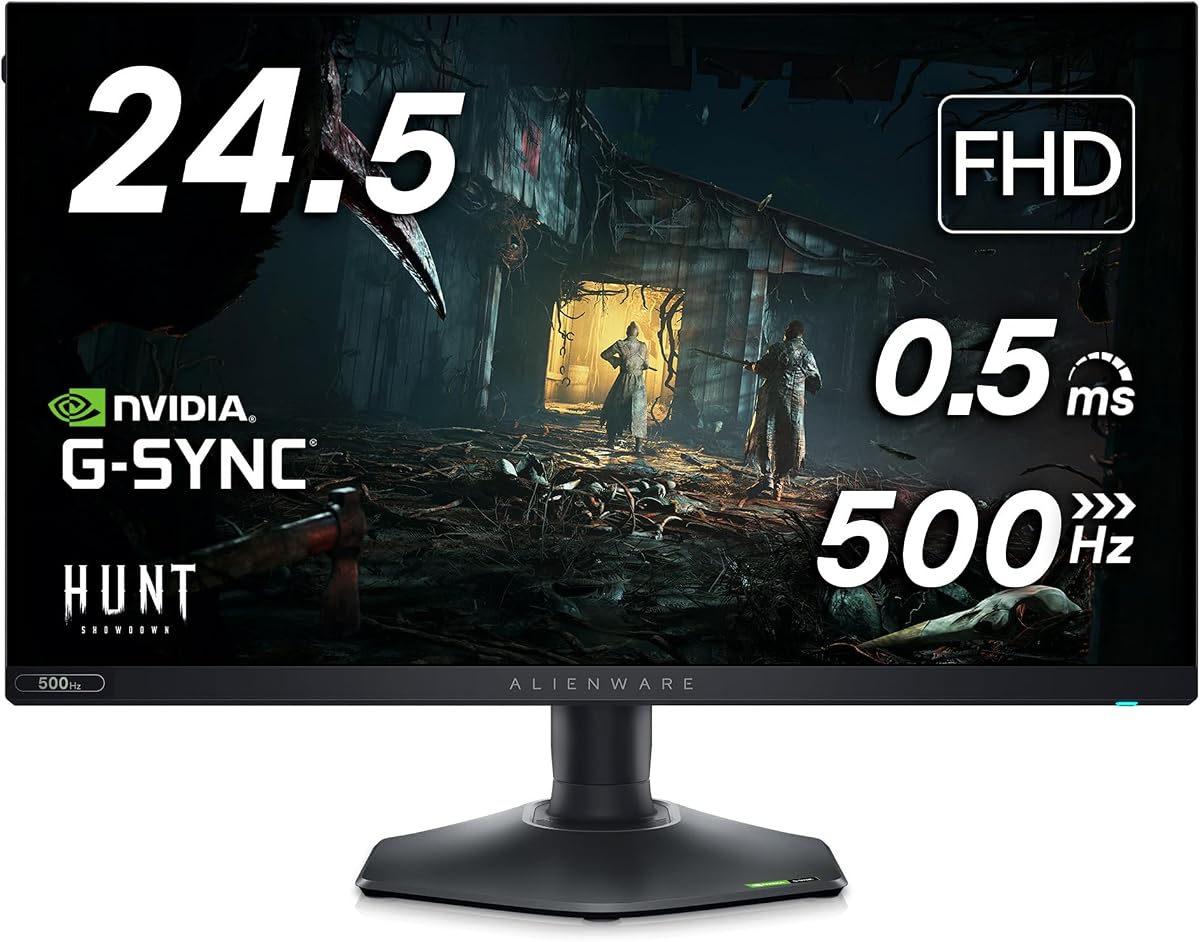
This monitor focuses on extreme speed for competitive play. It offers a 480Hz refresh rate and 0.5ms response time. An anti-glare coating reduces reflections during bright sessions.
We may earn a commission when you buy through this link, at no additional cost to you.
The stand allows full adjustability for comfort. Dell Services provide added support for reliability. Fast IPS tech keeps colors consistent across viewing angles.
Full HD resolution may not suit high-end PC users. HDR support is basic compared to premium displays. These limits make it better for focused gaming tasks.
Ideal for esports players needing top reaction speed. The high refresh rate reduces blur and lag. It delivers pro-level performance in a standard 24.5 inch size.
Glare reduction improves visibility in bright rooms.
Stand adjustments fit any ergonomic setup easily.
We may earn a commission when you buy through this link, at no additional cost to you.
This bundle includes a monitor with useful gaming accessories. It offers a 360Hz refresh rate and 0.5ms response time. AMD FreeSync Premium ensures smooth frame synchronization.
We may earn a commission when you buy through this link, at no additional cost to you.
The hexagonal base keeps desk space open for gear. A USB hub expands connectivity options for peripherals. Fast IPS provides accurate colors for mixed media.
Accessories may vary by region or retailer. Full HD resolution may not suit detailed work. This makes it a great choice for compact setups.
Perfect for gamers wanting extra value and convenience. The included hub simplifies cable management. The high refresh rate supports competitive play effectively.
A built-in hub reduces cable clutter on desk.
The design leaves room for keyboard and mouse.
We may earn a commission when you buy through this link, at no additional cost to you.
This model features an overclockable refresh rate for speed. It supports up to 280Hz for ultra fluid motion. Fast IPS Nano Color delivers rich and accurate hues.
We may earn a commission when you buy through this link, at no additional cost to you.
Triple sync certification ensures compatibility across GPUs. VESA DisplayHDR 600 improves contrast and brightness. The stand allows full pivot for vertical work.
Overclocking can increase panel stress over time. HDR 600 is a step up but not top tier. These choices favor performance and versatility over maximum quality.
Best for players who want both speed and color. It handles both gaming and media with balance. The adjustable stand fits any ergonomic need.
Multiple sync options ensure seamless gaming on any GPU.
Stand rotation supports vertical use for productivity.
We may earn a commission when you buy through this link, at no additional cost to you.
This model introduced ultrawide gaming to many users. It offers a 120Hz refresh rate and WQHD resolution. NVIDIA G-Sync ensures smooth gameplay across supported titles.
We may earn a commission when you buy through this link, at no additional cost to you.
Color coverage reaches 98 percent DCI-P3 for accuracy. The Lunar Light design adds style to the setup. A 1900R curve enhances immersion during play.
It lacks the high refresh rates of newer models. The anti-glare coating helps in bright environments. These traits keep it relevant for specific setups.
Ideal for players seeking immersion over speed. It suits single player games and media well. The curve and color performance make a strong impression.
The customizable lighting adds a personal touch.
A 34 inch curve expands the gaming view.
We may earn a commission when you buy through this link, at no additional cost to you.
Choosing the right Alienware monitor involves understanding key specs and how they impact your gameplay. This guide breaks down the most important factors to consider before buying.
Refresh rate determines how many frames the display shows per second. Higher rates like 240Hz or 480Hz reduce motion blur for competitive games. Look for rates that match your hardware capabilities.
For competitive play prioritize 240Hz or higher. For single player titles 120Hz to 180Hz is often enough.
Panel types affect color response and viewing angles. Fast IPS offers speed and wide angles. QD-OLED provides deep blacks and vibrant colors. Each has trade-offs for gaming.
Choose QD-OLED for cinematic depth or Fast IPS for speed and cost balance.
Resolution impacts image clarity and performance. WQHD balances detail with smooth gameplay. 4K offers sharpness but needs powerful hardware. Full HD is best for high frame rates.
Pick WQHD for general use or 4K for media and detail work.
Curved screens enhance immersion by matching your field of view. A 1800R curve wraps around you. Flat screens are better for productivity. Match the curve to your use.
Opt for a curve if you favor immersive gaming. Flat screens suit multi monitor setups.
Sync tech like G-Sync and FreeSync prevents screen tearing. Check which GPUs you use for compatibility. Most Alienware monitors support multiple sync options.
Ensure your GPU and monitor share a sync standard to avoid artifacts.
Wide color gamuts make games and videos look vibrant. Look for 95 percent DCI-P3 or 100 percent sRGB coverage. High coverage ensures accurate tones across content.
Prioritize high DCI-P3 coverage for better visual quality.
Adjustable stands help you find a comfortable viewing angle. Look for height tilt swivel and pivot adjustments. Good ergonomics reduce strain during long sessions.
Choose a model with full stand adjustability for comfort.
HDR improves contrast and brightness in supported content. VESA DisplayHDR 400 or 600 indicates real HDR quality. Higher HDR levels deliver more impactful visuals.
Look for HDR 600 or better for noticeable contrast improvements.
Start by connecting the monitor to your PC using DisplayPort or HDMI. Ensure you select the right input in the OSD menu. Calibrate color settings to match your room lighting for best accuracy.
Clean the screen gently with a microfiber cloth. Avoid harsh chemicals that can damage coatings. Dust the base and vents regularly to prevent overheating during use.
Use adaptive sync and variable refresh rate settings in your GPU control panel. Disable static wallpapers on OLED models to reduce burn in risk. Adjust brightness to match your environment.
For competitive gaming choose a model with 240Hz refresh rate or higher. The AW2524H offers 480Hz with fast IPS. The AW2725DM balances 180Hz and WQHD clarity. Prioritize speed and low input lag.
QD-OLED uses Quantum Dots to boost color range and brightness. Standard OLED uses white subpixels which can be dimmer. QD-OLED offers richer hues and better HDR performance.
Yes many models have wide color gamuts and accurate tones. The AW3423DW supports Creator Mode for precise work. Look for high DCI-P3 coverage and factory calibration for best results.
Most new models come with a limited manufacturer warranty. Check specific terms for OLED burn in coverage. Renewed units may have shorter warranties. Always confirm before buying.
Use DisplayPort 1.4 or HDMI 2.1 for high refresh rates. Check your GPU output supports the rate you need. Not all ports handle top speeds so verify before setup.
Hide static UI elements when possible. Use screensavers and lower brightness for long sessions. Avoid keeping static logos visible for hours. Monitor settings can help reduce risk over time.
We highlighted ten models ranging from competitive speed to immersive ultrawide. The AW2725DM offers the best balance for most gamers. The AW3425DW leads for premium OLED depth.
Prioritize what matters most to your gameplay. Speed suits esports while contrast and color suit stories. Choose a refresh rate that matches your GPU for best results.
Check current availability and stock before buying. Prices and stock vary by region and time. Visit the links for the latest details on each model.